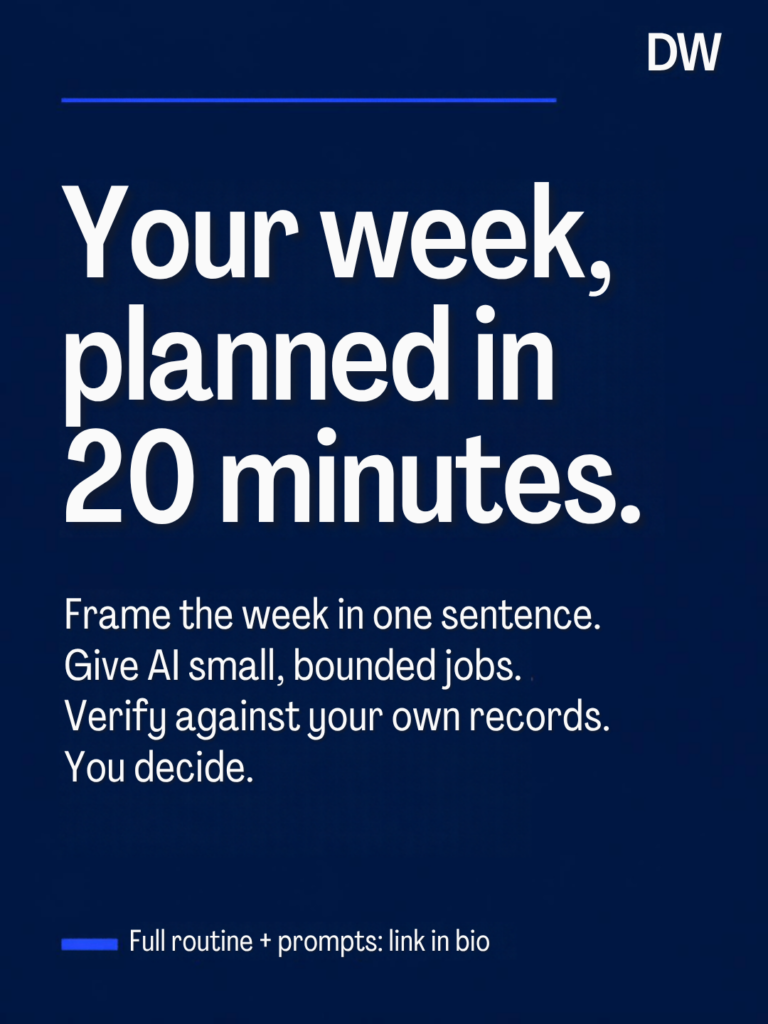
Most people don’t need more prompts. They need a fixed time each week, a short list of jobs for the AI, and a written record of what they decided.
This is a simple weekly routine: AI helps organize the week. You verify. You decide. Education only — not financial advice.
Why “more prompts” doesn’t work
Asking an AI tool random questions whenever something comes up produces random answers. Nothing connects one week to the next, and nothing gets written down. A planning system fixes that with three things:
- A cadence — the same 20 minutes, the same day, every week.
- Bounded jobs — small, specific tasks the AI is good at.
- A decision log — one line per decision, so next week starts where this week ended.
Step 1: Frame the week in one sentence
Before you open any AI tool, write one sentence: “This week I want to decide ___.” Examples: whether to keep a subscription that renews soon; which two admin tasks matter most; whether a planned purchase still fits the month.
This is the first step of the Verify Loop: frame the decision before you ask for help.
Step 2: Give the AI bounded jobs only
Good weekly jobs for AI:
- Calendar scan: “Here are my commitments for the next 7 days. List conflicts, prep tasks, and anything with a deadline.”
- Open-loop list: “Here’s a brain-dump of things on my mind. Group them into: do this week, schedule later, delegate, drop.”
- Renewal peek: “Here are upcoming charges (date, description, amount only). Flag anything that looks like an annual renewal or a trial ending.”
Not a good job: “Tell me what to do with my money.” The AI can organize. It shouldn’t decide.
Step 3: Use a 20-minute timer (proposed split)
A proposed structure — adjust after you’ve timed it yourself:
| Minutes | Block | What happens |
|---|---|---|
| 0–5 | Gather | Pull your calendar, task list and upcoming charges |
| 5–13 | AI structure | Run the bounded jobs above |
| 13–18 | Verify | Check every AI claim against your own calendar, statements and provider pages |
| 18–20 | Decide & schedule | Write decisions in your log; put actions on the calendar |
Step 4: Keep these decisions human
Moving money, cancelling services, investing and anything with a contract stay with you. The AI can flag a renewal; you check the provider’s own terms before acting. That’s the same split used in our 30-minute subscription audit: AI sorts, you verify, you decide.
Step 5: Privacy minimums
Never paste into an AI chat:
- Account or card numbers, passwords, PINs, security answers or one-time codes
- Banking logins or full statement PDFs with identifying details
For charges, use three columns only: date, description, amount. Delete the working copy when you’re done.
Step 6: Keep a one-line decision log
Each week, add one line per decision: date — decision — why — next review date. After a month, you’ll have a record of what you decided and whether it worked, which is more useful than any single prompt.
Where this fits
This routine connects to the other workflows on the site. Start with Start Here, browse Workflows, and see how we test things on the Methodology page.
Get the next tested workflow
Join the Weekly Brief — one practical AI-money idea a week, including what didn’t work.
Education only — not financial, tax or legal advice.